
The 3-node cluster is running. Before touching storage, networking, or any operator, the management layer goes in. Everything from here on should flow through Git — commit, push, ArgoCD syncs, done.
The operator source: OKDerators
OKD ships with community-operators — the OperatorHub.io catalog built for vanilla Kubernetes. For OKD-native operators, there’s OKDerators — built and tested for OKD/SCOS, maintained by the OKD working group. The plan from the start: use OKDerators for everything it provides.
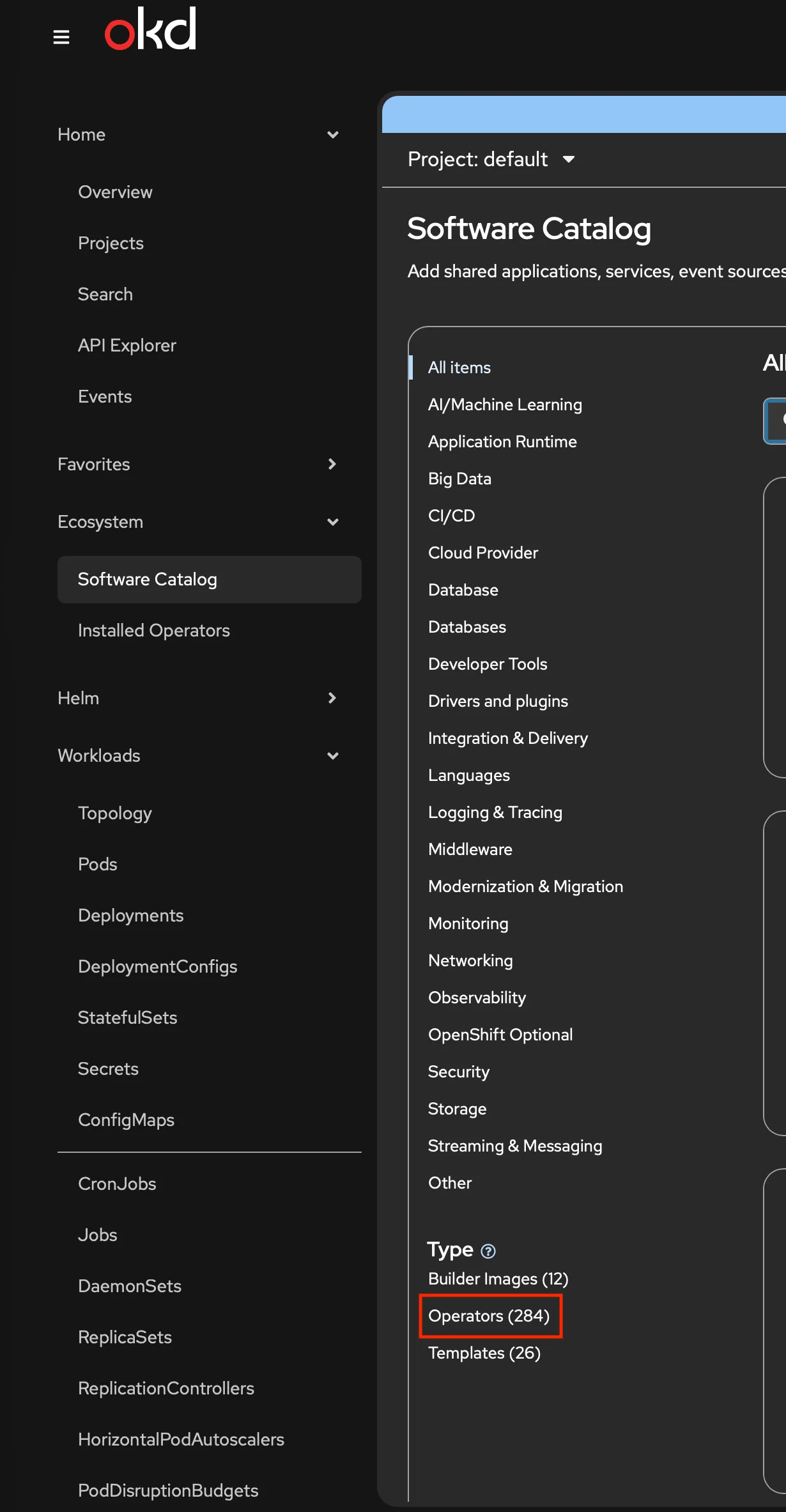
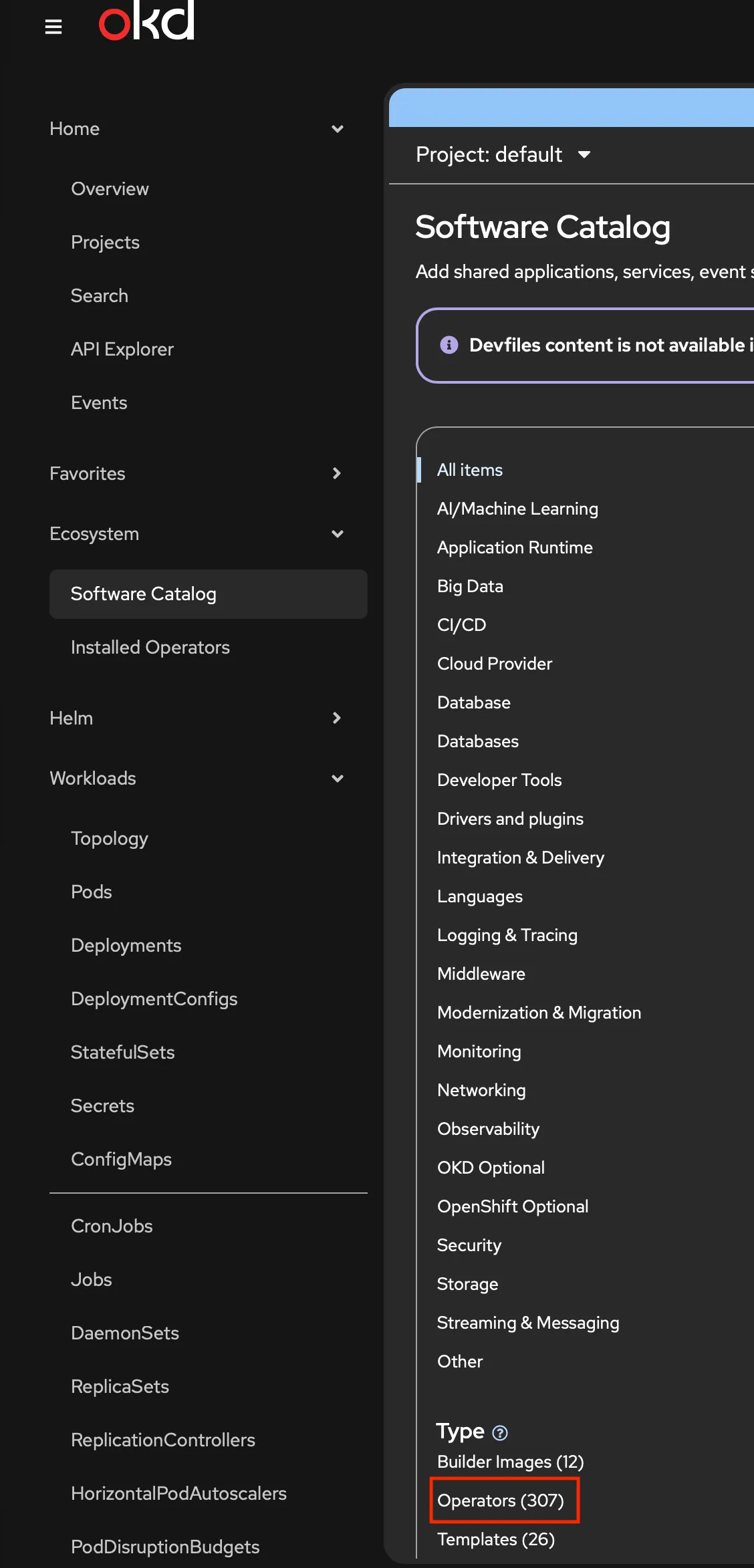
apiVersion: operators.coreos.com/v1alpha1kind: CatalogSourcemetadata: name: okderators namespace: openshift-marketplacespec: sourceType: grpc image: quay.io/okderators/catalog-index:4.20 displayName: OKDerators publisher: OKD Community updateStrategy: registryPoll: interval: 60mThe Software Catalog jumps from 284 to 307 operators:
GitOps operator
apiVersion: operators.coreos.com/v1alpha1kind: Subscriptionmetadata: name: gitops-operator namespace: openshift-operatorsspec: channel: alpha installPlanApproval: Automatic name: gitops-operator source: okderators sourceNamespace: openshift-marketplaceAuto-provisions openshift-gitops namespace, a cluster-scoped ArgoCD instance, a Route, and the console plugin.
oc get route openshift-gitops-server -n openshift-gitops -o jsonpath='{.spec.host}'# openshift-gitops-server-openshift-gitops.apps.okd.sudops.pl
oc get secret openshift-gitops-cluster -n openshift-gitops \  -o jsonpath='{.data.admin\.password}' | base64 -d && echo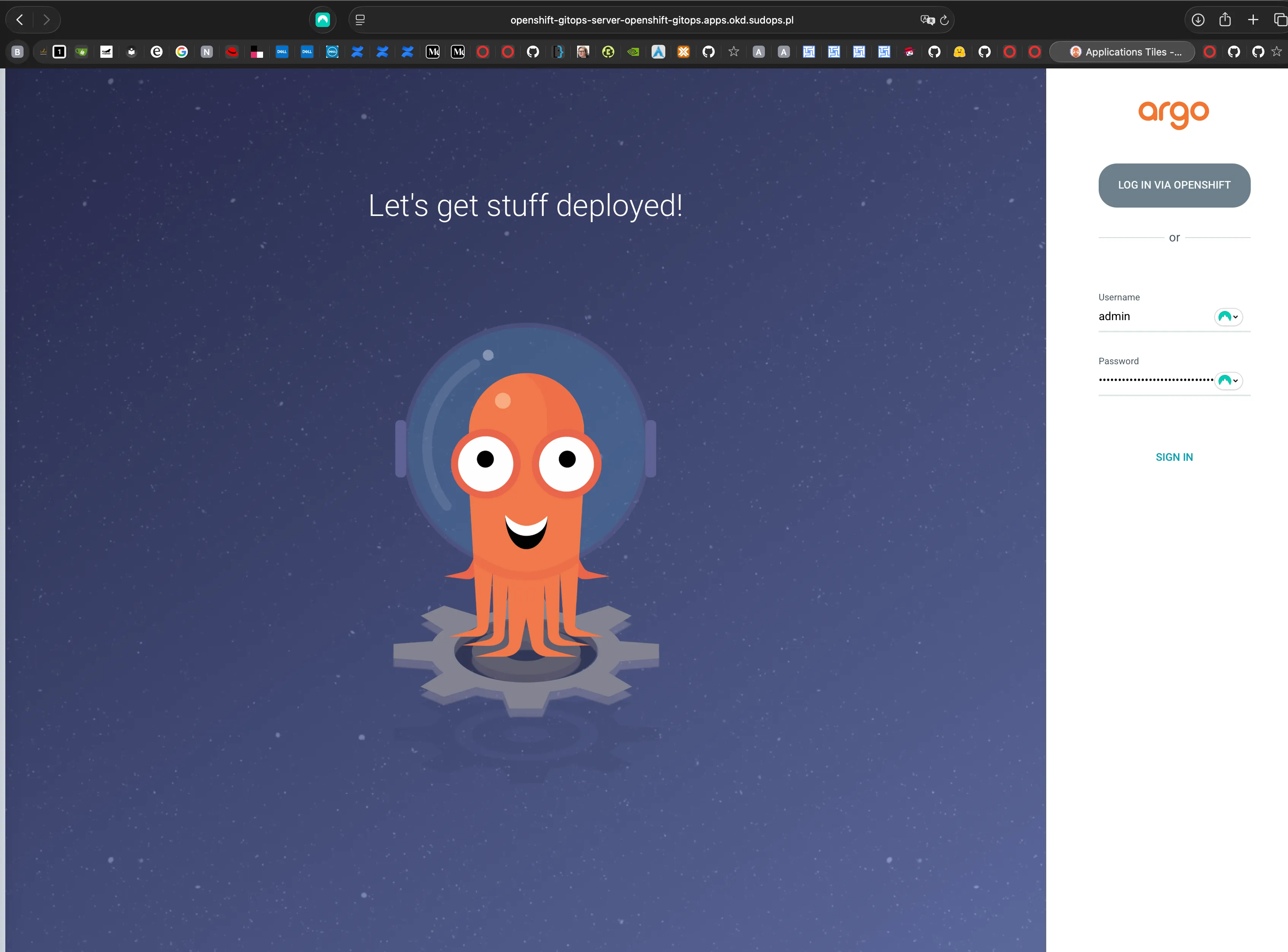
RBAC
The operator may not auto-grant cluster-admin to the ArgoCD service accounts. Without it, ArgoCD can’t create CRDs, namespaces, or ClusterRoles:
apiVersion: rbac.authorization.k8s.io/v1kind: ClusterRoleBindingmetadata: name: openshift-gitops-cluster-adminroleRef: apiGroup: rbac.authorization.k8s.io kind: ClusterRole name: cluster-adminsubjects: - kind: ServiceAccount name: openshift-gitops-argocd-application-controller namespace: openshift-gitops - kind: ServiceAccount name: openshift-gitops-argocd-server namespace: openshift-gitopsNote (cluster-admin is broad, and that's fine here)
Yeah, cluster-admin is broad. It’s a homelab — I’m the only user, and the Git repo is the real access control. If you can push to master, you own the cluster. For a team setup, scope this down.
Connect the Git repo
Private repo at github.com/sudoom/homelab. Deploy key for read-only SSH access:
ssh-keygen -t ed25519 -f ~/.ssh/argocd-homelab -C "argocd-deploy-key" -N ""Add the public key in GitHub (Settings → Deploy Keys), then create the Secret:
KEY_B64=$(base64 -w0 < ~/.ssh/argocd-homelab)URL_B64=$(echo -n 'git@github.com:sudoom/homelab.git' | base64 -w0)TYPE_B64=$(echo -n 'git' | base64 -w0)
cat <<EOF | oc apply -f -apiVersion: v1kind: Secretmetadata:  name: repo-creds  namespace: openshift-gitops  labels:    argocd.argoproj.io/secret-type: repo-credstype: Opaquedata:  type: ${TYPE_B64}  url: ${URL_B64}  sshPrivateKey: ${KEY_B64}EOF
Repo structure
App-of-Apps pattern with Helm charts. At bootstrap, it’s mostly a skeleton:
homelab/ bootstrap/ phase0/ # Manual (applied once) root-app/ # Root Application (Helm) Chart.yaml values.yaml templates/applications.yaml components/ # One chart per component cluster-config/node-labels/ operators/nmstate/ operators/cert-manager/ operators/rook-ceph/ ...The template
The root Application renders one ArgoCD Application per enabled entry:
{{- range $name, $app := .Values.applications }}{{- if $app.enabled }}---apiVersion: argoproj.io/v1alpha1kind: Applicationmetadata: name: {{ $name }} namespace: {{ $.Values.global.argocdNamespace }} annotations: argocd.argoproj.io/sync-wave: {{ $app.syncWave | quote }} finalizers: - resources-finalizer.argocd.argoproj.iospec: project: default source: repoURL: {{ $.Values.global.repoURL }} targetRevision: {{ $.Values.global.targetRevision }} path: {{ $app.path }} helm: valueFiles: - values.yaml destination: server: {{ $.Values.global.clusterURL }} namespace: {{ $app.namespace }} syncPolicy: automated: prune: true selfHeal: true syncOptions: - ServerSideApply=true - RespectIgnoreDifferences=true - SkipDryRunOnMissingResource=true retry: limit: 5 backoff: duration: 5s factor: 2 maxDuration: 3m{{- end }}{{- end }}Every syncPolicy option earns its place:
prune: true— remove a manifest from Git, ArgoCD deletes it from the cluster. Git is the source of truth.selfHeal: true— manual cluster edits get reverted to match Git. No drift.- No
CreateNamespace=true. Each component chart includes an explicitNamespaceresource — full control over labels, annotations, pod security settings. ServerSideApply=true— avoids the 262 KB annotation limit that kills client-side apply on large operator CRDs.RespectIgnoreDifferences=true— stops ArgoCD from fighting operators that patch their own resources.SkipDryRunOnMissingResource=true— lets CRs sync before their CRDs are registered. Retry handles the timing.- Retry backoff — 5 retries, 5s → 10s → 20s → 40s → 80s. Bridges the gap between operator install and CRD availability.
The first app: node labels
The simplest component — failure domain labels from the compute design:
nodes: - hostname: node4.okd.sudops.pl labels: topology.kubernetes.io/zone: fd-a - hostname: node5.okd.sudops.pl labels: topology.kubernetes.io/zone: fd-b - hostname: node6.okd.sudops.pl labels: topology.kubernetes.io/zone: fd-c{{- range .Values.nodes }}---apiVersion: v1kind: Nodemetadata: name: {{ .hostname }} labels: {{- range $key, $value := .labels }} {{ $key }}: {{ $value | quote }} {{- end }}{{- end }}At bootstrap time, this is the only enabled app in values.yaml:
global: repoURL: git@github.com:sudoom/homelab.git targetRevision: master argocdNamespace: openshift-gitops clusterURL: https://kubernetes.default.svc
applications: node-labels: enabled: true path: components/cluster-config/node-labels namespace: default syncWave: "0"
# Remaining components enabled as Day 2 subposts progress: # nmstate-operator, cert-manager-operator, rook-ceph-operator (wave 1) # nmstate-nncp, cert-manager-config (wave 2) # ingress-controller, api-server (wave 3) # ceph-cluster, ceph-storage-classes (wave 3-4)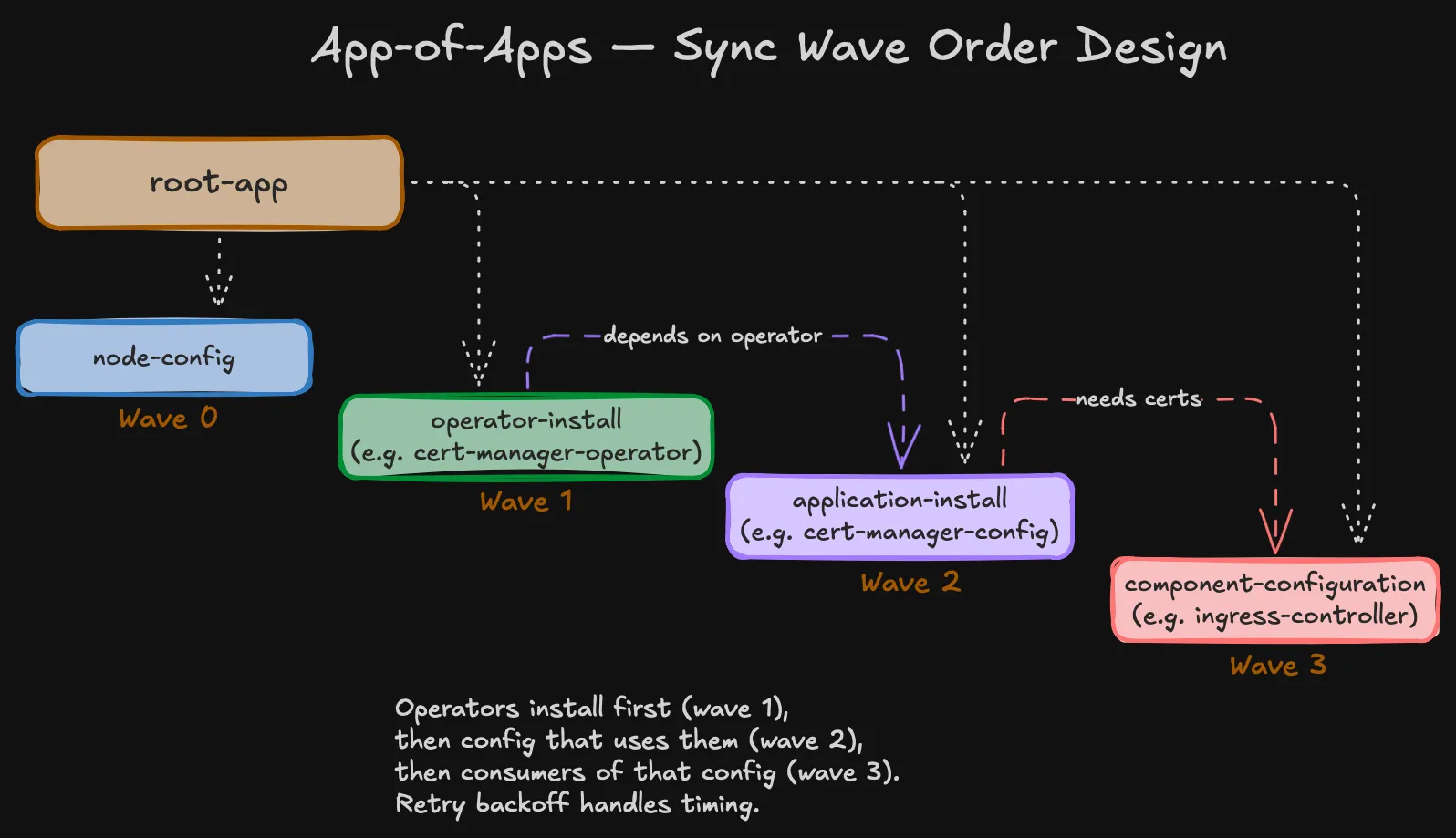
Apply the root Application
This is the one Application I apply by hand — it points ArgoCD at the bootstrap/root-app chart, which renders everything else:
apiVersion: argoproj.io/v1alpha1kind: Applicationmetadata: name: root-app namespace: openshift-gitopsspec: project: default source: repoURL: git@github.com:sudoom/homelab.git targetRevision: master path: bootstrap/root-app helm: valueFiles: - values.yaml destination: server: https://kubernetes.default.svc namespace: openshift-gitops syncPolicy: automated: prune: true selfHeal: trueLast manual oc apply:
oc apply -f bootstrap/phase0/05_root_application.yamlArgoCD picks it up, renders node-labels, labels all three nodes. One app running, the rest enabled as each Day 2 subpost is written.
Five manual commands, then Git
oc apply -f bootstrap/phase0/01_catalog_source.yamloc apply -f bootstrap/phase0/02_gitops_operator.yamloc apply -f bootstrap/phase0/03_cluster_admin_rbac.yamloc apply -f bootstrap/phase0/04_credential_template.yamloc apply -f bootstrap/phase0/05_root_application.yamlAfter that: create a chart, add to values.yaml, commit, push. No oc apply, no helm install. If something breaks, git revert.
Next: cert-manager — the first component deployed entirely through this pipeline.